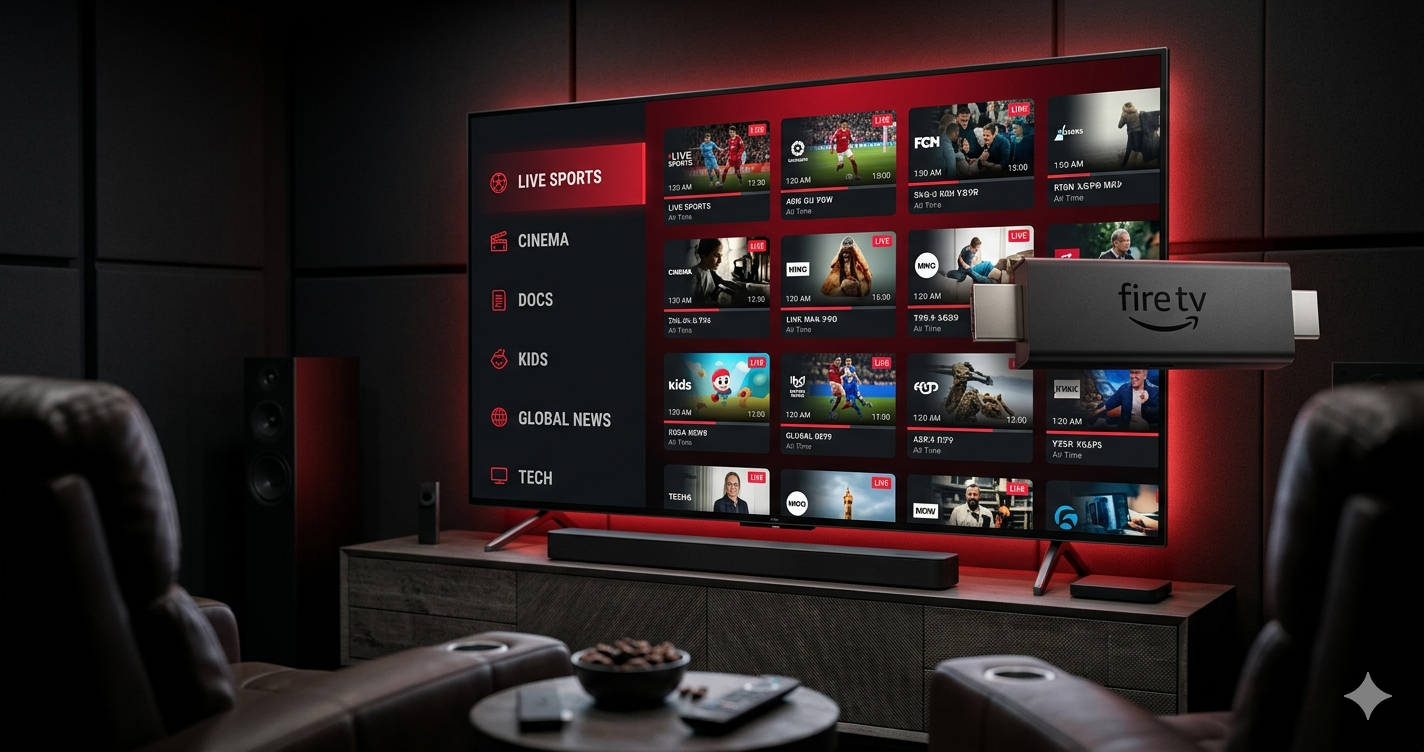
IPTV Smarters Pro Setup Guide for Firestick 2026 — Complete Tutorial
IPTV Smarters Pro is the most popular IPTV player for Amazon Firestick in 2026. This guide shows you how to install it using the Downloader code and how to add your IPTV subscription in under 5 minutes.
🔢 IPTV Smarters Pro Downloader Code: 8232771 — Enter this in the Downloader app on your Firestick to install.
How to Install IPTV Smarters Pro on Firestick
- 1Enable Unknown SourcesSettings → My Fire TV → Developer Options → Apps from Unknown Sources → ON
- 2Open Downloader AppOpen the free Downloader app from your Firestick home screen or App Store.
- 3Enter the codeType 8232771 in the Downloader URL field and press Go. IPTV Smarters Pro APK downloads automatically.
- 4Install the APKTap Install when prompted. Wait 30–60 seconds for installation.
- 5Open IPTV Smarters ProFrom your apps list, open IPTV Smarters Pro and tap Add New User.
How to Add Your IPTV Subscription to IPTV Smarters Pro
Once IPTV Smarters Pro is installed, adding your subscription takes 60 seconds:
- Tap Add New User on the main screen
- Select Login with Xtream Codes API (recommended) or M3U URL
- Enter your Name, Server URL, Username and Password from your IPTV provider
- Tap Add User
- All your live channels, VOD and EPG data load automatically